Free WordPress Training: Harness the power of Divi Starter Sites to craft web designs for your clients.

by John Browning, Fractional CMO | Oct 1, 2024 | Divi Theme Builder | 0 comments

August 2024 Divi DC Meetup

Free WordPress Training: Harness the power of Divi Starter Sites to craft web designs for your clients.

by John Browning, Fractional CMO | Oct 1, 2024 | Divi Theme Builder | 0 comments

Are you ready to revolutionize your web design process? Join us for an exciting, informative meetup on the new Divi Quick Sites AI Generator. Whether you're a seasoned web designer or a WordPress beginner, you'll be amazed at what this new Divi addition can do for you.

Divi is known for simplifying the web design process, and its latest innovations are no exception. Let's delve into the two powerful options Divi offers to enhance your web design capabilities: Divi AI Website Creation and Pre-Made Starter Sites.

Divi AI Website Creation

Unique and Automated

Imagine having a personal web designer, copywriter, and photographer at your fingertips. Divi's AI-powered website builder does just that. By providing basic information about your client's business, the AI generates an entirely unique website tailored to their needs. This groundbreaking tool crafts a comprehensive site in minutes, allowing you to focus on other aspects of your business.

Dynamic Content and Design

The AI doesn't just create a static website; it builds dynamic content and design. Each page is filled with unique layouts, well-written content, and custom-generated images. The tool makes smart design choices, including selecting appropriate fonts and colors that align with your client's brand. This ensures a cohesive and visually appealing website right from the start.

Complete Setup

One of the standout features of Divi AI Website Creation is its ability to set up the entire website, including menus, theme builder templates, presets, and customizer settings. This means you get a professional-looking website with minimal effort, allowing you to deliver quality results swiftly.

Pre-Made Starter Sites

Hand-Designed Excellence

If you prefer a more hands-on approach, Divi's collection of pre-made starter sites offers hand-designed excellence. Each starter site comes with unique and beautiful photos and illustrations, designed to capture the essence of different businesses.

Quick Setup

Selecting a design that fits your client's business is a breeze. Input basic information like the website title and logo, define a list of required pages, and let Quick Sites handle the rest. In less than a minute, you'll have a fully functional website ready for customization.

Easy Customization

Once the starter site is set up, jumping into the builder to customize content is straightforward. You can easily tailor the website to reflect your client's brand and vision, making it truly unique.

Hands-On Learning with John Browning

At our upcoming meetup, John Browning will provide a brief but comprehensive guide on leveraging these options to create unique, visually appealing, and fully functioning websites swiftly. With a background in web design, photography, and SEO, John is the founder of J Browning Studio and serves as a Fractional Chief Marketing Officer. His customized solutions tailored to each client's needs set him apart from competitors who use cookie-cutter strategies.

John has been using Divi Builder for his web designs since 2012 and also provides one-to-one WordPress training to clients. During the meetup, you'll learn practical tips on using Divi's content, image, and code tools to tailor every aspect of the site to your client's specifications.

What to Expect

  • In-depth Demonstrations: Watch detailed demonstrations of both Divi AI Website Creation and pre-made starter sites.
  • Practical Tips: Gain insights on customizing your client's website content effectively.
  • Q&A Sessions: Engage in interactive Q&A sessions with experienced web designers.

Join Us for Live Zoom Training!

This is an excellent opportunity to enhance your skills, streamline your web design process, and deliver exceptional results for your clients. Whether you're a web design professional, internet professional, WordPress user, or small business owner looking to improve your online presence, this meetup has something valuable to offer.

Bring your questions and get ready to dive deep into the world of Divi. We look forward to seeing you there!

Event Details

  • Topic: Harness the Power of Divi Starter Sites to Craft Web Designs for Your Clients
  • Speaker: John Browning, Founder of J Browning Studio and Fractional CMO
  • Audience: Web Designers, Internet Professionals, WordPress Users, Small Business Owners
  • Focus: Enhance web design skills, streamline web design processes, deliver quality results

Don't miss out on this opportunity to revolutionize your web design process with Divi's innovative tools. See you at the meetup!

Thoughtful Workspace Ideas Cloud

Step 1: Create an Offer People Actually Want (10 Minutes)

Before you open Canva or start writing social media posts, answer one question:

What would make someone excited to buy from your business right now?

The most common mistake small businesses make with Black Friday is assuming they have to slash their prices.

You don't.

Sometimes adding value is more appealing than offering a discount.

Here are a few ideas:

  • Photographers: Offer a complimentary print or additional edited images with a holiday portrait session.
  • Dance studios: Create a special introductory class package or waive a new student's registration fee.
  • Designers: Bundle two complementary services into a limited-time package.
  • Coaches and consultants: Include a bonus consultation with a prepaid package.
  • Creative businesses: Offer gift certificates with an added bonus for a future purchase.

The important thing is to make your offer specific, valuable, and easy to understand.

Instead of saying, "Special Black Friday Deals Available," try something like:

Book your January photography session by Monday and receive five additional professionally edited images—on us!

See the difference?

Your customer knows exactly what they're getting and what they need to do.

Your 10-minute challenge: Choose one offer. Write it in a single sentence. Decide when it starts, when it ends, and any restrictions.

Don't overthink it. A clear, profitable offer beats a complicated promotion every time.

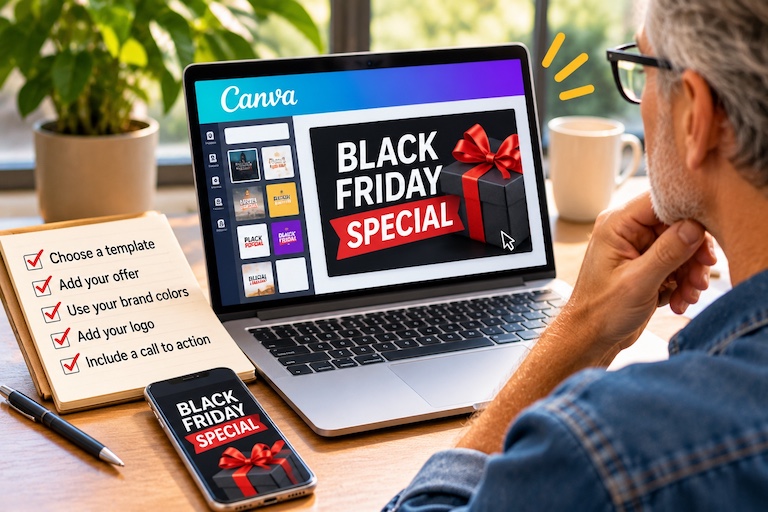
Black Friday Canva Workspace

Step 2: Create One Great Promotional Graphic (15 Minutes)

Now that you have your offer, it's time to make it visible.

You don't need an entire advertising campaign. You need one strong graphic that you can reuse in several places.

I recommend Canva because it's easy to use and gives you plenty of starting points.

Here's what to do:

  1. Open Canva and search for "Black Friday Instagram Post."
  2. Choose a template that feels appropriate for your brand.
  3. Replace the sample text with your offer.
  4. Add your logo and brand colors.
  5. Include a clear call to action.

Keep your design simple. Your offer should be the first thing people notice.

For example:

BLACK FRIDAY SPECIAL

Book Your January Photo Session

Get 5 Bonus Edited Images

Book by November 30

That's enough information for someone to understand the promotion at a glance.

One tip: Don't feel obligated to use black backgrounds, giant red SALE signs, or flashing graphics just because it's Black Friday.

If your business has a warm, elegant, colorful, or playful visual identity, keep it. You want customers to recognize your business.

Your 15-minute challenge: Create one graphic, save it, and make sure the text is readable on your phone.

Black Friday Canva Workspace

Step 3: Write One Message You Can Use Everywhere (15 Minutes)

Here's where you can save yourself a lot of time.

Instead of writing separate promotional messages from scratch for email, Facebook, Instagram, and your website, start with one clear message.

Then adapt it slightly for each platform.

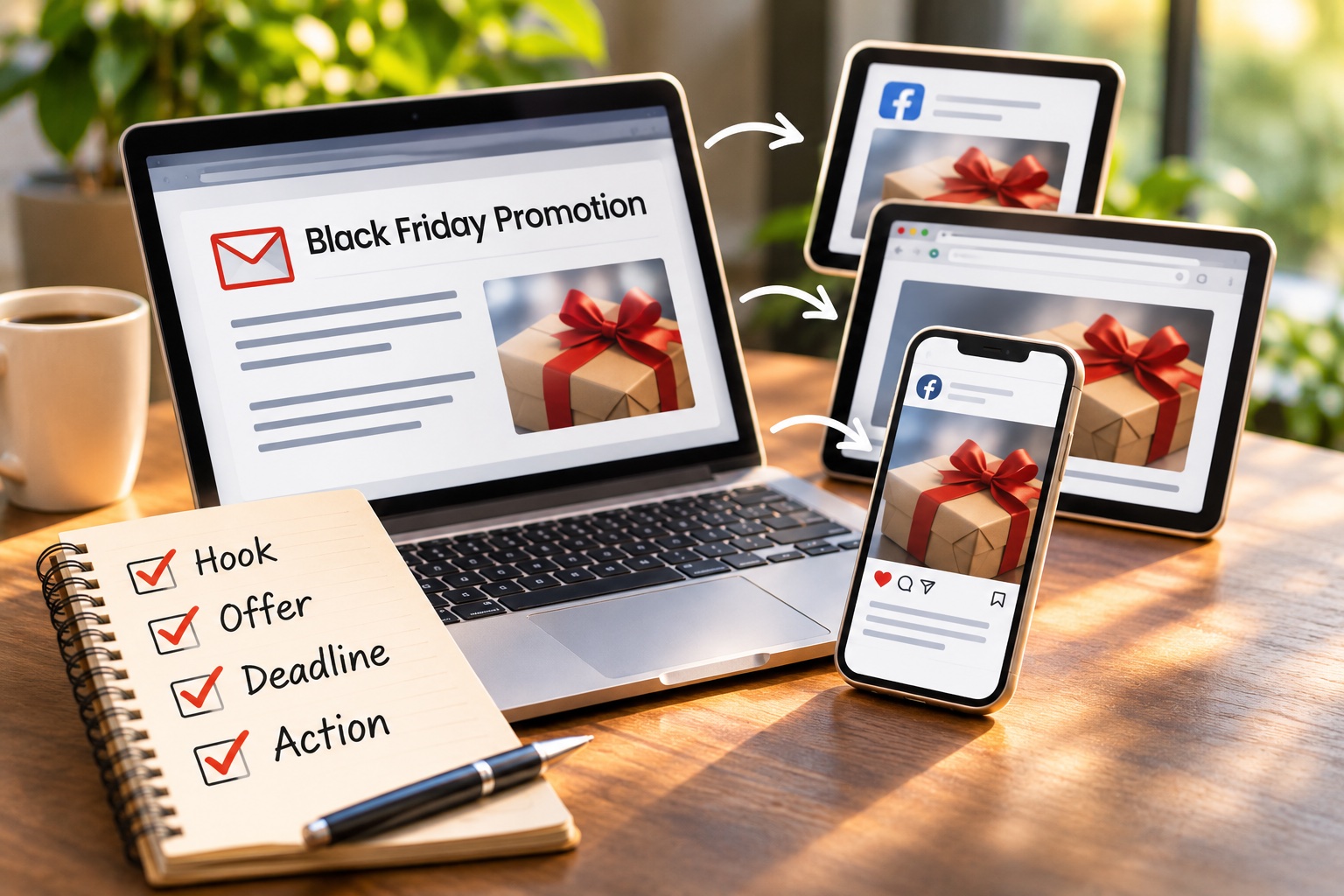
Your message only needs four ingredients:

  • The hook: Why should someone pay attention?
  • The offer: What are you giving them?
  • The deadline: When does the opportunity end?
  • The action: What should they do next?

Here's a simple example:

Subject: A Little Something Extra for Black Friday!

Thinking about booking a family photo session in the new year? Here's a little incentive!

Book your January session before November 30, and I'll include five additional edited images at no extra charge.

It's my way of saying thank you for supporting a small creative business.

Ready to reserve your spot? Click here to book.

That's it.

Friendly. Clear. No unnecessary hype.

Now take that same message and shorten it for social media.

You can even ask ChatGPT to help:

"Rewrite this Black Friday email as a friendly Instagram caption under 100 words. Keep the offer and deadline clear, and use a warm, conversational tone."

One message, multiple uses.

Your 15-minute challenge: Write your promotional email, create a shorter social caption, and save both where you can easily find them.

Black Friday Booking Promotion

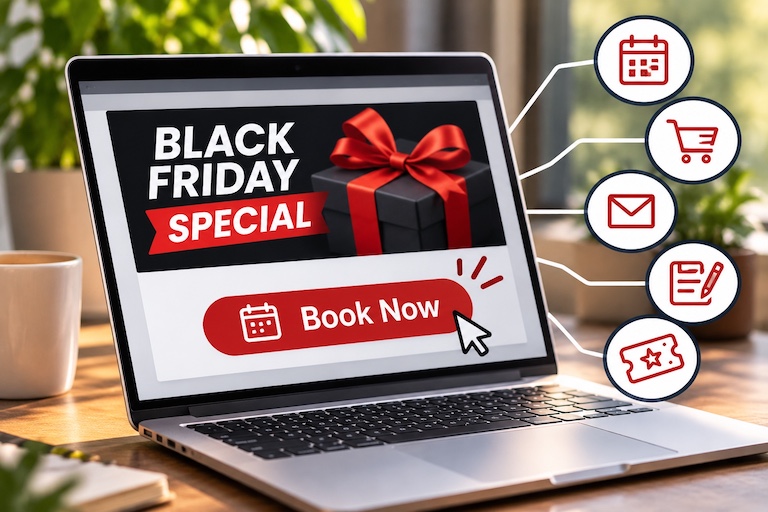
Step 4: Give Customers Somewhere to Take Action (10 Minutes)

A beautiful graphic and a clever message won't accomplish much if people don't know what to do next.

Before you start sharing your promotion, decide where you want people to go.

It might be:

  • An existing booking calendar
  • A product or gift certificate checkout page
  • A contact form on your website
  • A landing page with your special offer
  • A direct link to purchase a class or service package

Here's something I tell business owners frequently: Don't make customers work to become customers.

If you already have a booking page, use it.

If you already sell gift certificates online, link directly to them.

And if you don't have a fancy landing page, that's okay. You can add a simple promotional section to an existing page on your website.

Your goal isn't to build an elaborate new system. It's to remove friction between someone seeing your offer and acting on it.

Before moving on, click your own link from your phone.

Can you understand the offer? Can you book or buy? Is the deadline visible?

Your 10-minute challenge: Choose one destination, add your promotional details if needed, and test the entire process.

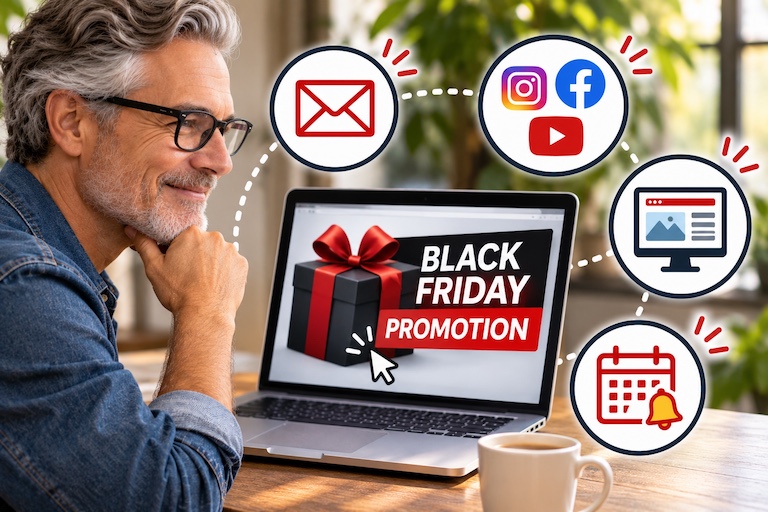
Black Friday Marketing Dashboard

Step 5: Get the Word Out (10 Minutes)

You've got your offer, your graphic, your message, and your link.

Now it's time to share them.

Start with the people who already know your business.

Your existing customers, email subscribers, and social media followers are a natural audience for a holiday promotion.

Here's a simple sharing plan:

First: Email Your Existing Customers

Send your message to people who have agreed to receive your marketing emails. Make the subject line inviting and the booking link easy to find.

Second: Post on Social Media

Use your new graphic and caption on the platforms where your customers spend time.

If you're comfortable appearing on camera, record a quick 20-second video explaining the offer. It doesn't have to be polished.

Third: Put the Offer on Your Website

A homepage announcement or short promotional section can help website visitors discover your offer.

Fourth: Schedule a Reminder

People get busy. A friendly reminder shortly before your promotion ends gives interested customers another opportunity to act.

For 2026, the key shopping dates are:

  • Black Friday: Friday, November 27
  • Small Business Saturday: Saturday, November 28
  • Cyber Monday: Monday, November 30

You can choose to run your offer for one day, the entire weekend, or through Cyber Monday. Just make the deadline clear and stick to it.

Your final 10-minute challenge: Send or schedule your first promotional message, publish your social post, and put one reminder on your calendar.

You Just Created a Black Friday Marketing Campaign in One Hour

Let's look at what you've accomplished.

In just 60 minutes, you've:

  • Created a specific, compelling promotional offer.
  • Designed a graphic you can reuse across platforms.
  • Written an email and social media message.
  • Given customers an easy way to book or buy.
  • Started promoting your business.

Not bad for an hour's work.

Will this guarantee a flood of new customers? Of course not.

But you've done something far more useful than worrying about how late you started.

You've taken action.

And the next time a holiday, special event, or promotional opportunity comes around, you'll already have a simple process you can use again.

That's how small-business marketing becomes easier: one practical skill at a time.

Want a Little Help Putting It Together?

You don't have to become a marketing expert to promote your business effectively.

Sometimes you just need someone to show you how to use the tools you already have.

At J Browning Studio, I help small-business owners and creative entrepreneurs learn practical marketing and website skills—from creating promotional graphics to building WordPress pages, improving online visibility, and making technology work for their businesses.

My approach is simple: Learn something useful. Put it into practice. Build confidence along the way.

If you'd like some one-on-one help creating your next promotion, improving your website, or learning a new marketing tool, I'd love to help.

Explore Marketing & Website Coaching at J Browning Studio.

Because good marketing doesn't always require a big campaign.

Sometimes it just starts with one productive hour.