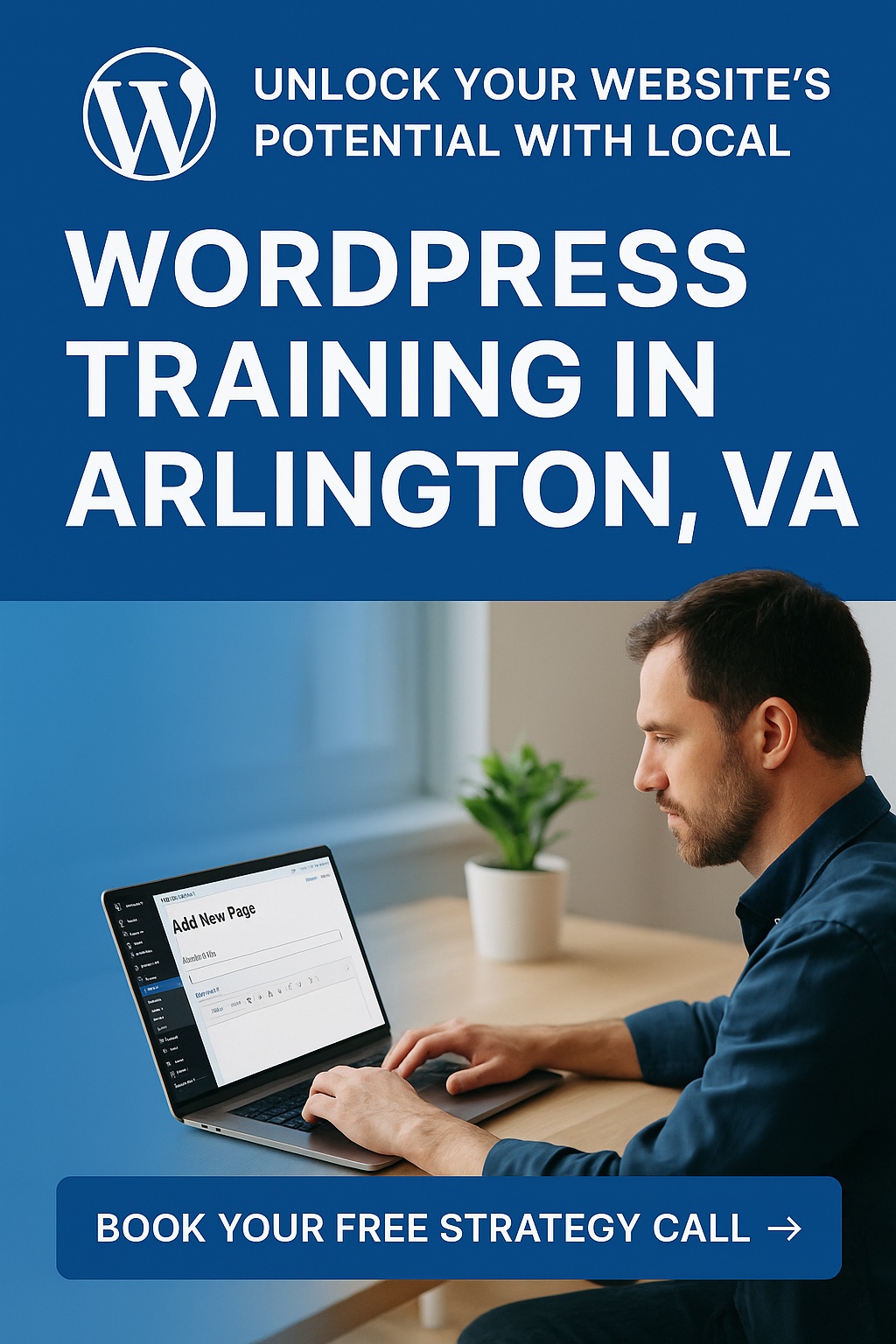
Unlock Your Website’s Potential with Local WordPress Training in Arlington, VA

by John Browning, Fractional CMO | Aug 26, 2025 | WordPress Training & Education | 0 comments

One-to-one WordPress Training in Arlington, VA

Unlock Your Website’s Potential with Local WordPress Training in Arlington, VA

If you’ve ever felt stuck staring at your WordPress dashboard wondering “Where do I even start?” You’re not alone! WordPress powers over 40% of all websites, but mastering it can feel overwhelming without the right guidance.

That’s where local, personalized WordPress training near Arlington, VA comes in. Whether you’re a small business owner, freelancer, or creative professional, the right training gives you the confidence and skills to build, update, and grow your own website without waiting on expensive developers.

Why WordPress Training Matters for Arlington Businesses

In today’s market, your website is often the first impression potential clients get. If it’s outdated, slow, or hard to navigate, they won’t stick around.

But here’s the good news:

  • WordPress puts professional-level tools right at your fingertips.
  • With the right training, you’ll learn how to update your site quickly, optimize for Google rankings, and turn visitors into leads.
  • You won’t just have a website, you’ll have a marketing machine working 24/7.

And with the right support, you can also improve your visibility in search results by combining training with reputation management strategies that build trust through reviews and social proof.

For business owners in Arlington and the surrounding Northern Virginia area, this is especially powerful. Local competition is tough from contractors, real estate professionals, med spas, and law firms but the right online presence gives you the edge.

What You’ll Learn in Our WordPress Training

At J Browning Studio, we offer training that adapts to your needs, not some one-size-fits-all tutorial. Depending on your goals, you’ll learn how to:

✅ Build and customize pages with drag-and-drop page builders like Divi or Elementor
✅ Optimize your site for SEO and Google visibility
✅ Manage plugins, themes, and updates safely
✅ Add features like contact forms, online booking, or e-commerce
✅ Improve site speed and mobile responsiveness
✅ Protect your site with backups and security best practices

And if you’re ready for the next level? We also integrate AI tools and automation strategies so your website becomes more than a brochure, it becomes your hardest-working employee with our Blueprint Assistant™.

Check out our full WordPress Training services here »

Trusted Quality Digital Marketing
  • Satisfaction92%92%
  • Reputation95%95%
  • Service100%100%
  • Quality100%100%

Who Our Training is Perfect For

  • Small business owners ready to stop outsourcing every little website change.
  • Realtors, contractors, and local service providers who need a lead-generating website (see our full industry expertise)
  • Nonprofits or startups looking to manage their own site affordably
  • Professionals 50+ who want to confidently learn digital skills without tech overwhelm

If you fall into one of these categories, WordPress training might be the smartest investment you make in your business this year.

Why Choose Local Training Near Arlington?

Sure, there are thousands of free YouTube videos out there. But none of them:

  • Know your business or goals
  • Answer your questions in real time
  • Tailor the training to your exact website

When you choose local, one-on-one WordPress training, you get a coach who understands the Northern Virginia business landscape and who’s invested in helping you succeed long-term.

Think of it like having a personal trainer for your website: faster results, fewer mistakes, and ongoing accountability. And if you outgrow training, you can step up to our consulting and fractional CMO services to scale your marketing strategy even further.

Take the First Step

Don’t let your website hold you back. With personalized WordPress training near Arlington, VA, you’ll walk away with:

  • Hands-on skills you can apply immediately
  • Confidence to manage your website on your own terms
  • A partner who can step in with consulting or advanced marketing when you’re ready

Book your free strategy call today and let’s turn your website into your biggest business asset.

Final Word

Your website should work for you not the other way around. With the right WordPress training, you’ll stop guessing and start building with clarity. If you’re in Arlington, VA (or anywhere nearby), this is your chance to level up your skills, save money, and finally take control of your online presence.

Explore WordPress Training Services »

Thoughtful Workspace Ideas Cloud

Step 1: Create an Offer People Actually Want (10 Minutes)

Before you open Canva or start writing social media posts, answer one question:

What would make someone excited to buy from your business right now?

The most common mistake small businesses make with Black Friday is assuming they have to slash their prices.

You don't.

Sometimes adding value is more appealing than offering a discount.

Here are a few ideas:

  • Photographers: Offer a complimentary print or additional edited images with a holiday portrait session.
  • Dance studios: Create a special introductory class package or waive a new student's registration fee.
  • Designers: Bundle two complementary services into a limited-time package.
  • Coaches and consultants: Include a bonus consultation with a prepaid package.
  • Creative businesses: Offer gift certificates with an added bonus for a future purchase.

The important thing is to make your offer specific, valuable, and easy to understand.

Instead of saying, "Special Black Friday Deals Available," try something like:

Book your January photography session by Monday and receive five additional professionally edited images—on us!

See the difference?

Your customer knows exactly what they're getting and what they need to do.

Your 10-minute challenge: Choose one offer. Write it in a single sentence. Decide when it starts, when it ends, and any restrictions.

Don't overthink it. A clear, profitable offer beats a complicated promotion every time.

Black Friday Canva Workspace

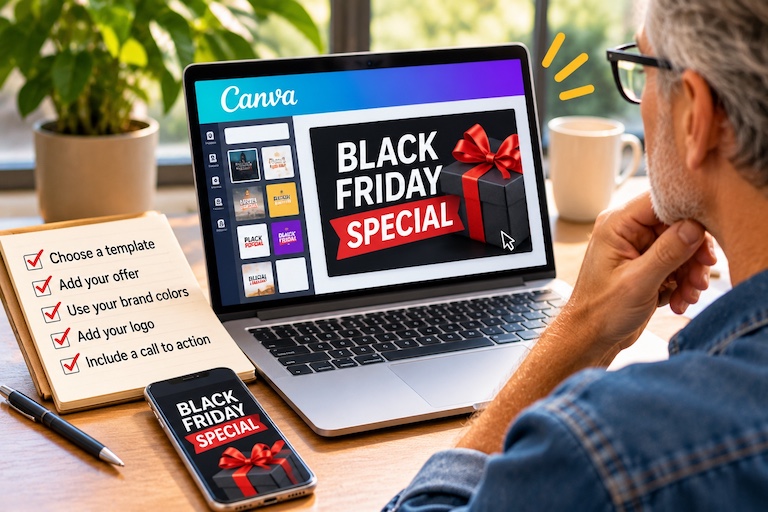
Step 2: Create One Great Promotional Graphic (15 Minutes)

Now that you have your offer, it's time to make it visible.

You don't need an entire advertising campaign. You need one strong graphic that you can reuse in several places.

I recommend Canva because it's easy to use and gives you plenty of starting points.

Here's what to do:

  1. Open Canva and search for "Black Friday Instagram Post."
  2. Choose a template that feels appropriate for your brand.
  3. Replace the sample text with your offer.
  4. Add your logo and brand colors.
  5. Include a clear call to action.

Keep your design simple. Your offer should be the first thing people notice.

For example:

BLACK FRIDAY SPECIAL

Book Your January Photo Session

Get 5 Bonus Edited Images

Book by November 30

That's enough information for someone to understand the promotion at a glance.

One tip: Don't feel obligated to use black backgrounds, giant red SALE signs, or flashing graphics just because it's Black Friday.

If your business has a warm, elegant, colorful, or playful visual identity, keep it. You want customers to recognize your business.

Your 15-minute challenge: Create one graphic, save it, and make sure the text is readable on your phone.

Black Friday Canva Workspace

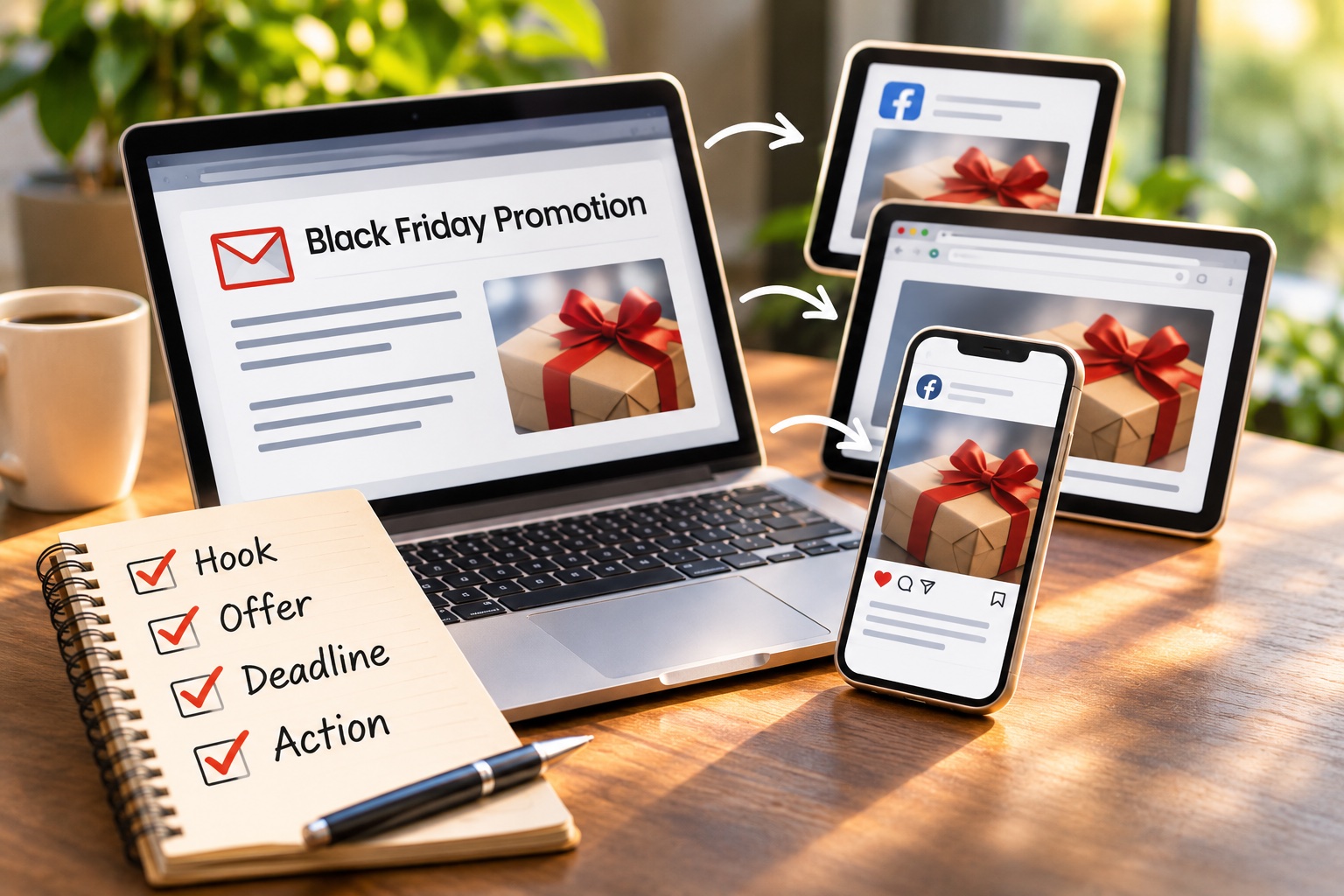
Step 3: Write One Message You Can Use Everywhere (15 Minutes)

Here's where you can save yourself a lot of time.

Instead of writing separate promotional messages from scratch for email, Facebook, Instagram, and your website, start with one clear message.

Then adapt it slightly for each platform.

Your message only needs four ingredients:

  • The hook: Why should someone pay attention?
  • The offer: What are you giving them?
  • The deadline: When does the opportunity end?
  • The action: What should they do next?

Here's a simple example:

Subject: A Little Something Extra for Black Friday!

Thinking about booking a family photo session in the new year? Here's a little incentive!

Book your January session before November 30, and I'll include five additional edited images at no extra charge.

It's my way of saying thank you for supporting a small creative business.

Ready to reserve your spot? Click here to book.

That's it.

Friendly. Clear. No unnecessary hype.

Now take that same message and shorten it for social media.

You can even ask ChatGPT to help:

"Rewrite this Black Friday email as a friendly Instagram caption under 100 words. Keep the offer and deadline clear, and use a warm, conversational tone."

One message, multiple uses.

Your 15-minute challenge: Write your promotional email, create a shorter social caption, and save both where you can easily find them.

Black Friday Booking Promotion

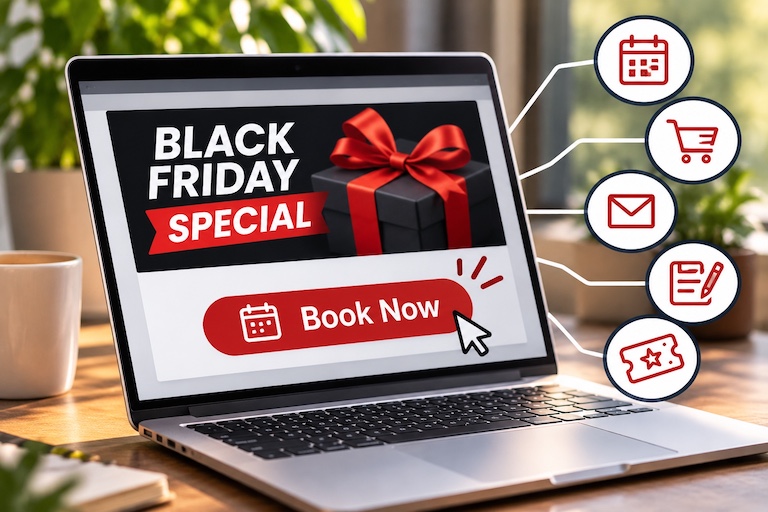
Step 4: Give Customers Somewhere to Take Action (10 Minutes)

A beautiful graphic and a clever message won't accomplish much if people don't know what to do next.

Before you start sharing your promotion, decide where you want people to go.

It might be:

  • An existing booking calendar
  • A product or gift certificate checkout page
  • A contact form on your website
  • A landing page with your special offer
  • A direct link to purchase a class or service package

Here's something I tell business owners frequently: Don't make customers work to become customers.

If you already have a booking page, use it.

If you already sell gift certificates online, link directly to them.

And if you don't have a fancy landing page, that's okay. You can add a simple promotional section to an existing page on your website.

Your goal isn't to build an elaborate new system. It's to remove friction between someone seeing your offer and acting on it.

Before moving on, click your own link from your phone.

Can you understand the offer? Can you book or buy? Is the deadline visible?

Your 10-minute challenge: Choose one destination, add your promotional details if needed, and test the entire process.

Black Friday Marketing Dashboard

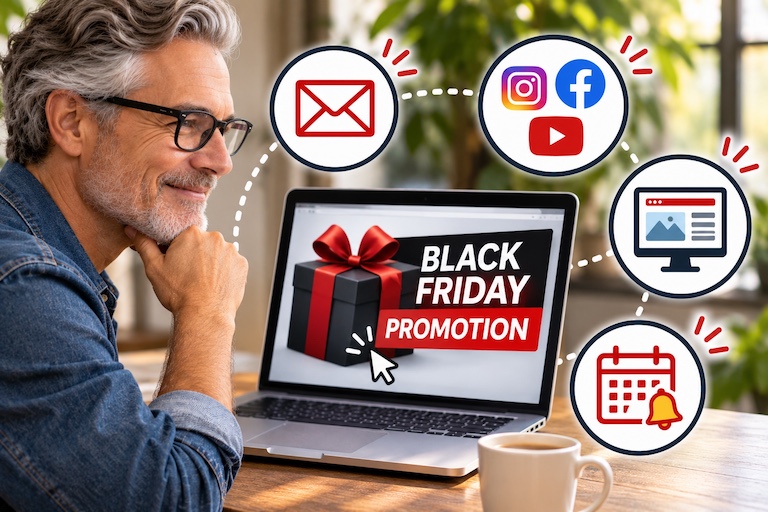
Step 5: Get the Word Out (10 Minutes)

You've got your offer, your graphic, your message, and your link.

Now it's time to share them.

Start with the people who already know your business.

Your existing customers, email subscribers, and social media followers are a natural audience for a holiday promotion.

Here's a simple sharing plan:

First: Email Your Existing Customers

Send your message to people who have agreed to receive your marketing emails. Make the subject line inviting and the booking link easy to find.

Second: Post on Social Media

Use your new graphic and caption on the platforms where your customers spend time.

If you're comfortable appearing on camera, record a quick 20-second video explaining the offer. It doesn't have to be polished.

Third: Put the Offer on Your Website

A homepage announcement or short promotional section can help website visitors discover your offer.

Fourth: Schedule a Reminder

People get busy. A friendly reminder shortly before your promotion ends gives interested customers another opportunity to act.

For 2026, the key shopping dates are:

  • Black Friday: Friday, November 27
  • Small Business Saturday: Saturday, November 28
  • Cyber Monday: Monday, November 30

You can choose to run your offer for one day, the entire weekend, or through Cyber Monday. Just make the deadline clear and stick to it.

Your final 10-minute challenge: Send or schedule your first promotional message, publish your social post, and put one reminder on your calendar.

You Just Created a Black Friday Marketing Campaign in One Hour

Let's look at what you've accomplished.

In just 60 minutes, you've:

  • Created a specific, compelling promotional offer.
  • Designed a graphic you can reuse across platforms.
  • Written an email and social media message.
  • Given customers an easy way to book or buy.
  • Started promoting your business.

Not bad for an hour's work.

Will this guarantee a flood of new customers? Of course not.

But you've done something far more useful than worrying about how late you started.

You've taken action.

And the next time a holiday, special event, or promotional opportunity comes around, you'll already have a simple process you can use again.

That's how small-business marketing becomes easier: one practical skill at a time.

Want a Little Help Putting It Together?

You don't have to become a marketing expert to promote your business effectively.

Sometimes you just need someone to show you how to use the tools you already have.

At J Browning Studio, I help small-business owners and creative entrepreneurs learn practical marketing and website skills—from creating promotional graphics to building WordPress pages, improving online visibility, and making technology work for their businesses.

My approach is simple: Learn something useful. Put it into practice. Build confidence along the way.

If you'd like some one-on-one help creating your next promotion, improving your website, or learning a new marketing tool, I'd love to help.

Explore Marketing & Website Coaching at J Browning Studio.

Because good marketing doesn't always require a big campaign.

Sometimes it just starts with one productive hour.